Enterprise AI Security
AI agents take actions. Security needs control at the execution boundary.
AI agents can execute commands, modify files, interact with repositories, use tools, and encounter sensitive data after the initial prompt. Oconee Runtime gives security teams a policy and enforcement layer for governing what AI is actually allowed to do.
No sales call required. · Talk through your architecture
- Prompt / context
- AI agent
- Proposed action
- Oconee Runtime policy
- Allow / Warn / Block
- Execution + evidence
Prompt security protects inputs. Oconee Runtime governs actions.
The gap
AI security can't stop at the prompt.
Prompt filtering, data controls and model protections all still matter. None of them describes what happens once an agent starts executing — where the inputs are no longer the prompt but files, dependencies, tool responses and whatever the agent fetched along the way.
- Safe initial prompt
- AI agent
- Files, repositories, dependencies, tools, external content
- Risk changes
- Proposed action
A safe prompt does not guarantee a safe execution path.
Authorization
Put an independent authorization boundary between AI and execution.
The agent can propose the action. It should not be the authority that decides whether the action is permitted.
- Identity + agent + proposed action + resource + current context
- Oconee Runtime
- Policy + risk evaluation
- Allow / Warn / Block
- Execution or denial
- Evidence
Assess your current posture
How prepared are you to govern AI actions?
The free assessment helps security teams identify gaps across agent visibility, action-level authorization, coding-agent controls, sensitive resources, MCP/tool access, and audit evidence.
Takes approximately 3–5 minutes. No email required.
What it does
Control. Detect. Prove.
Control
Policy is evaluated before a supported action proceeds, and resolves to allow, warn, or block.
Detect
Sensitive AI activity is surfaced as named signals — credential exposure, destructive commands, repository routing, prompt injection attempts — not as an undifferentiated feed.
Prove
Each decision is recorded with the action, the policy that matched, and the outcome, so an investigation has something to read.
Demo
See policy enforcement in action.
Action layer
The attack doesn't have to begin in the prompt.
Security should evaluate the action based on the conditions that exist when the action is attempted — not simply inherit trust from the original prompt.
- Legitimate request
- Agent execution
- Code, dependencies, tool responses, external content
- Risky proposed action
- Authorization required
Context
Same action. Different risk.
Repository sensitivity is set by the organization, so the same AI-assisted action can resolve differently depending on where it lands.
Development repository → Warn
- A supported AI-assisted action in a low-sensitivity repository.
- The engineer is warned and keeps working.
- The decision is recorded either way.
Critical repository → Block
- The equivalent action against a repository classified as sensitive.
- Policy refuses it at the point of action.
- Evidence names the rule that matched.
Positioning
AI agents create a different control problem.
Oconee Runtime adds an action-governance layer to a defense-in-depth architecture. It does not replace IAM, DLP, EDR, AppSec, prompt security or endpoint security, and is not designed to.
Prompt security
Protects inputs.
DLP
Protects sensitive data.
IAM
Controls identities and access.
Oconee Runtime
Governs supported AI-assisted actions, and makes the policy decision closer to execution.
Outcomes
Govern AI adoption without creating a blind spot.
Reduce unchecked AI authority
An agent proposes; policy decides. The two stop being the same thing.
Create enforceable guardrails
Rules that resolve to warn or block, not dashboards that resolve to nothing.
Improve investigation
A decision record that names the action, the context evaluated, and the policy that applied.
Support security governance
Evidence that an AI control exists and was in force, for the people who have to ask.
Enable responsible AI adoption
Approve capable tools because there is a control layer, rather than delaying them because there is not.
Coverage
What Oconee Runtime is designed to help govern
On the surfaces it integrates with — supported browser AI tools, the VS Code and Cursor extension, and Claude Code. It does not intercept every tool call in every product, and nothing here should be read as claiming it does.
Sensitive command execution
Commands proposed by an AI-assisted session, including destructive ones, evaluated before they run.
command_execution_intent, destructive_command_intent
Critical repository activity
Actions routed at a repository whose sensitivity the organization has classified.
repo_routing_detected, commit_risk_detected
Credential-related activity
API keys, private keys, session tokens and certificates appearing where they should not.
credential_leak, api_key_exposure, private_key_exposure, session_token_exposure
High-risk file and dependency activity
Sensitive file references and dependency changes introduced through an AI-assisted edit.
sensitive_file_reference, dependency_risk_detected
Untrusted content reaching an agent
Injection attempts and unsafe instructions arriving from fetched or external content.
prompt_injection_attempt, untrusted_source_detected, unsafe_instruction_detected
Policy-sensitive browser AI activity
Prompts to supported browser AI tools, evaluated against organizational policy before they are sent.
pii_detected, source_code_exposure, secret_in_url
Evidence
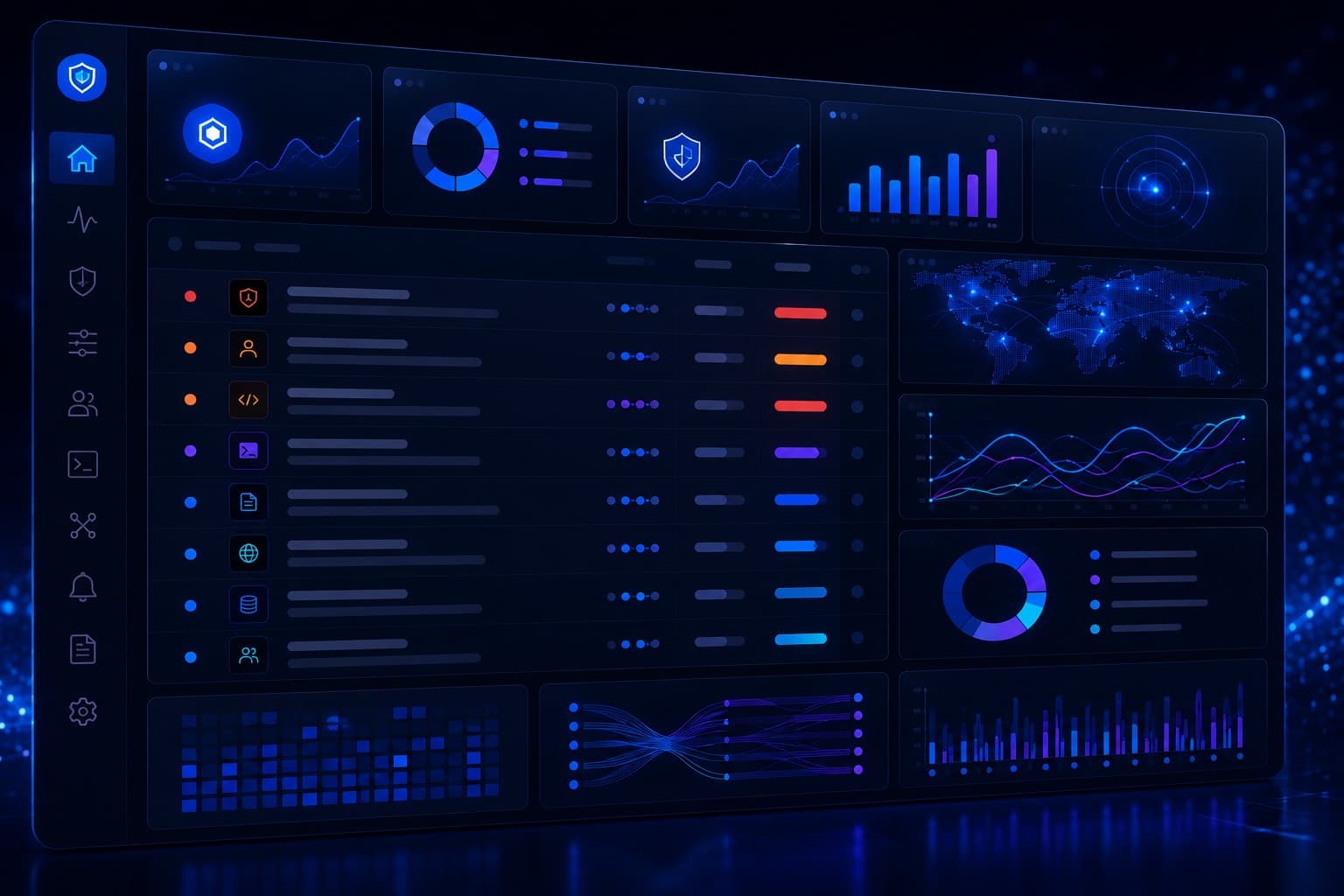
Every decision needs a record.
Security teams need more than a notification that AI was used. They need to understand what occurred, what context was evaluated, which policy applied, and what decision resulted.
Architecture
Oconee Runtime is one security layer — not the only one.
Securing enterprise AI requires multiple controls. Oconee Runtime is designed to strengthen the authorization and governance layer around supported AI-assisted actions.
- Input / prompt security
- Identity + least privilege
- Runtime action authorization
- Execution isolation
- Monitoring + audit
AI agents are gaining authority.
Make sure organizational policy keeps the final say.
See sensitive activity. Evaluate the action in context. Enforce policy. Preserve evidence.
No sales call required.
Or see how this applies to a specific workflow in the use cases.
Built for
- CISO
- VP / Head of Security
- Application Security
- DevSecOps
- AI Security / Governance
The model proposes. Policy decides.
Talk to Oconee
Tell us what you are trying to govern and we will reply directly.
Technical validation: scan a repository for common AI-agent governance gaps. Try the Risk Scanner
Security & trust
Review Oconee's security practices.
See how Oconee approaches data handling, access, privacy, subprocessors, and enterprise security review.
Learn more about AI security
Technical explainers on the threats and controls described above.
- Runtime AI GovernanceWhat is runtime AI governance, and how is it different from an AI policy document?
- AI agent governance readiness assessmentA free self-assessment scoring whether you can see, control, and evidence what AI agents are allowed to do.
- Trust center: security, privacy and data handlingHow Oconee Runtime approaches security, privacy, data handling, subprocessors and enterprise security review.
- See Oconee Runtime in actionA 30-second overview and the full platform walkthrough, each with a written summary.